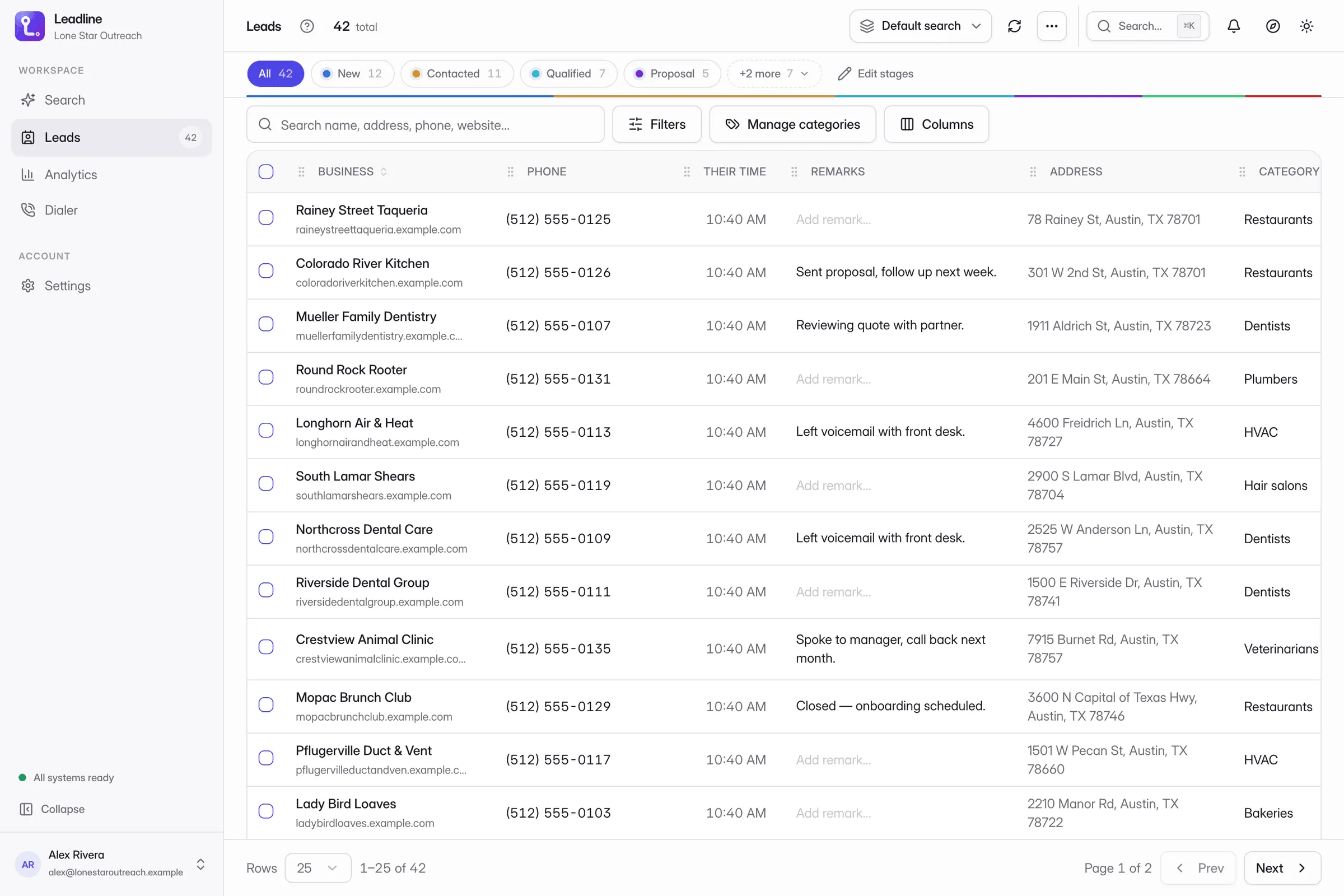
Agencies. Run outbound for a dozen clients without a dozen spreadsheets
One shared workspace, a role for everyone, an owner on every lead. Tag leads by client with categories, and see calls and spend for each rep.
Turn any patch of Google Maps into a call list, then dial it, all inside Chrome.
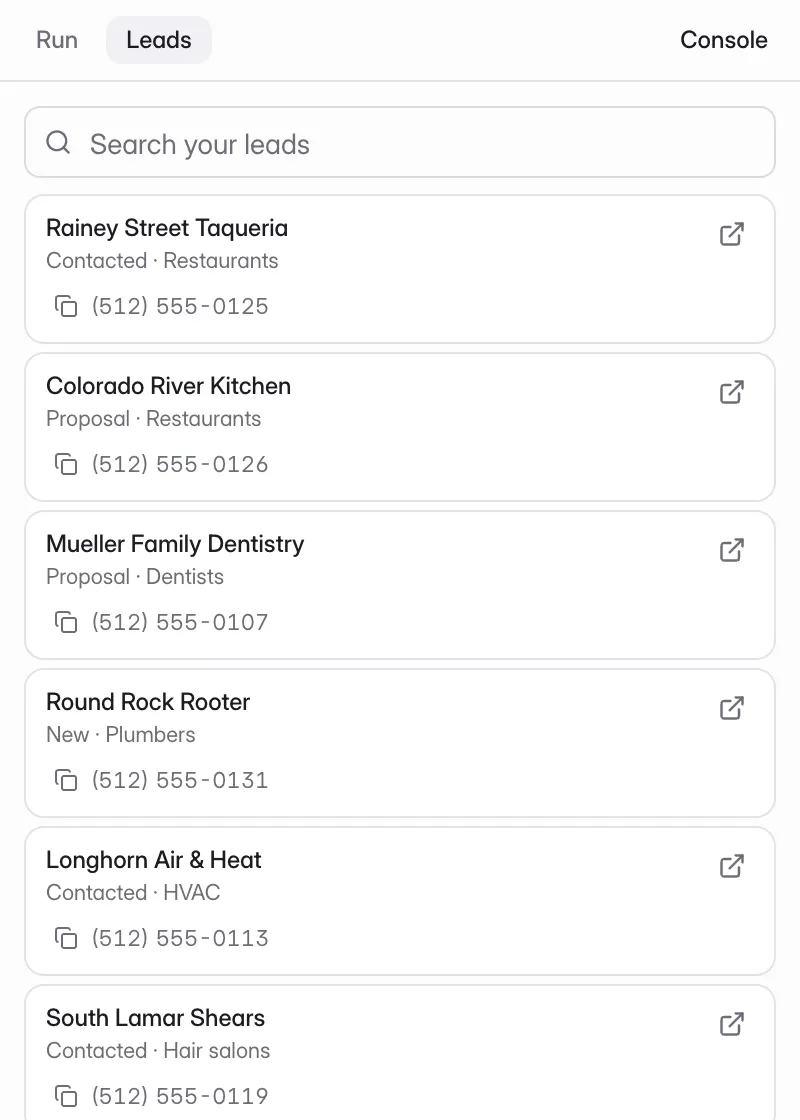
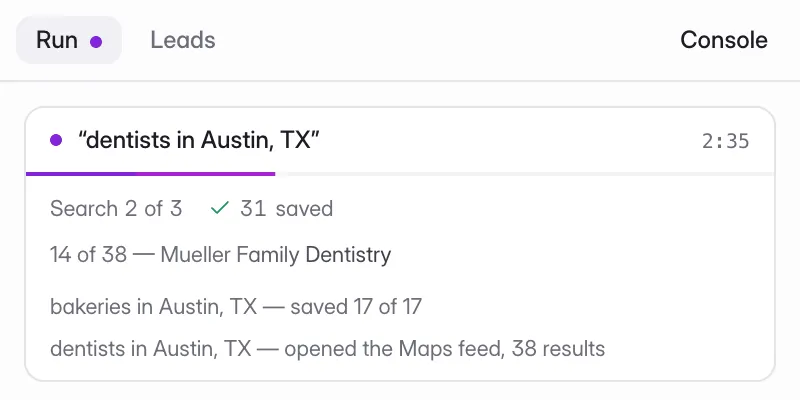
Real product, illustrative data.
Most reps build a list in one tool, clean it in another, find emails in a third and dial from a fourth. Leadline does all four in the tab you already have open.
Prospecting means a map in one tab, a spreadsheet in another and a phone on the desk
The list goes stale the moment it leaves the map — no phone, no email, no owner
Nothing connects the call you just made back to the row you called
One loop, one tab. Find the businesses, work the pipeline, make the calls, and see what landed.
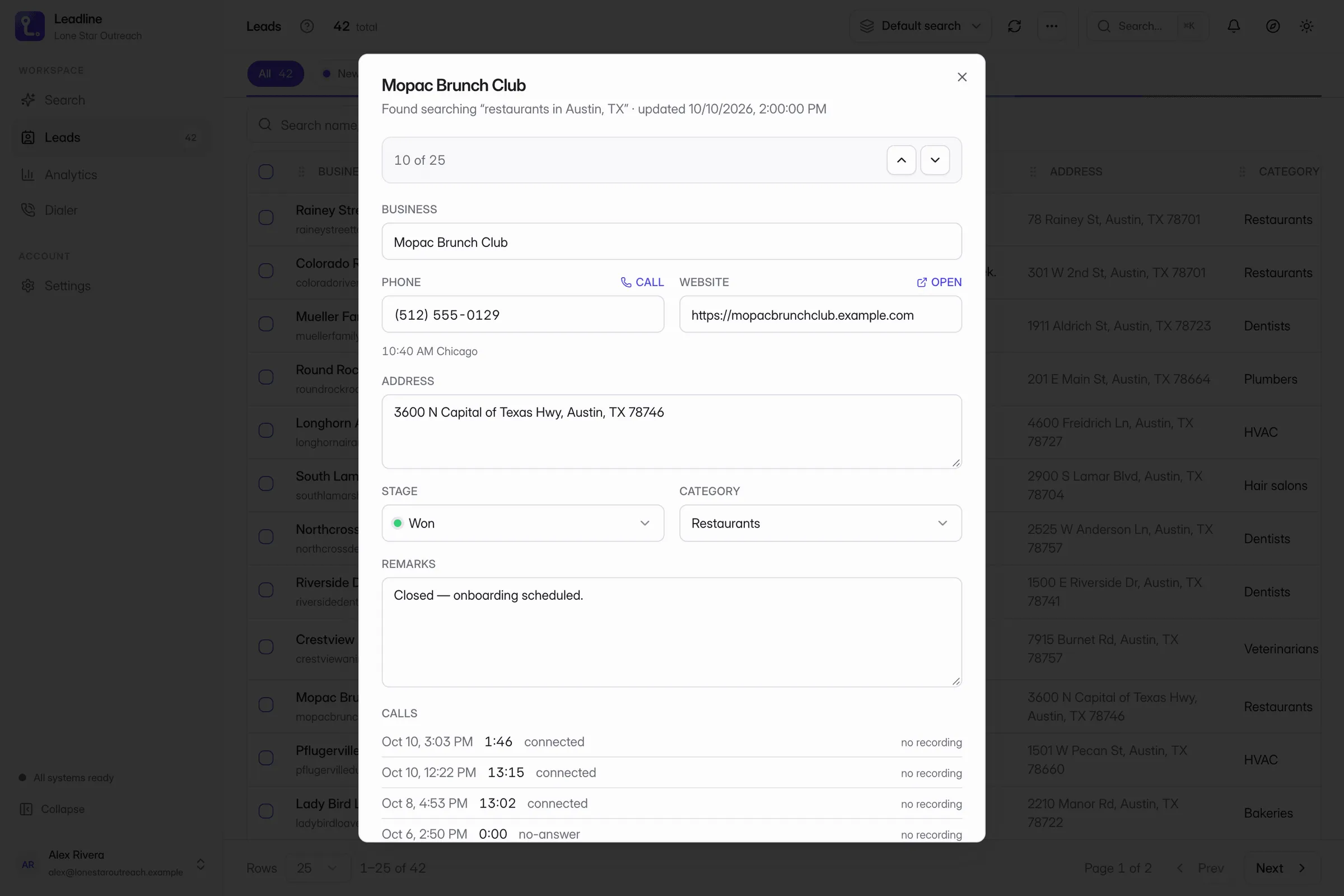
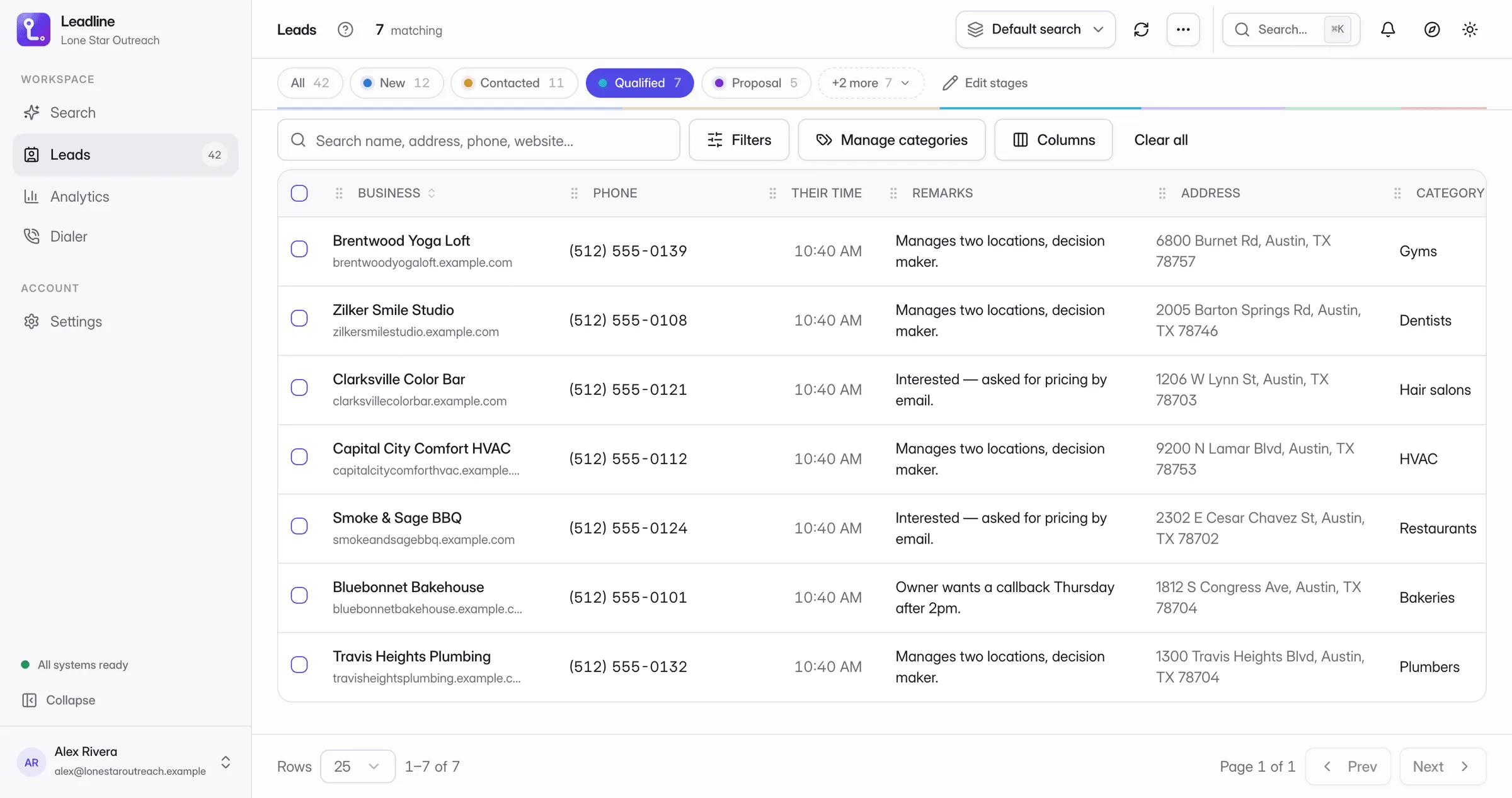
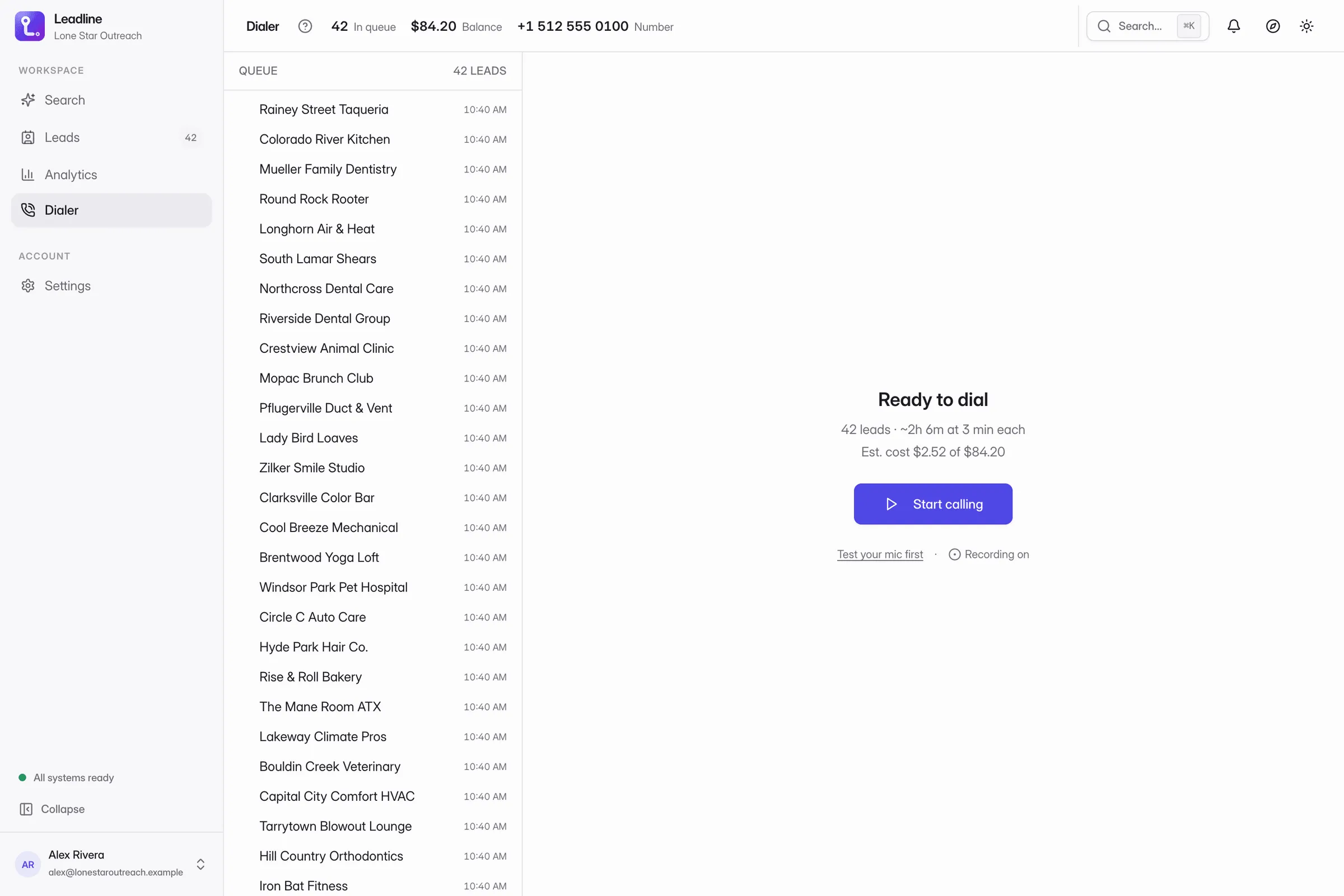
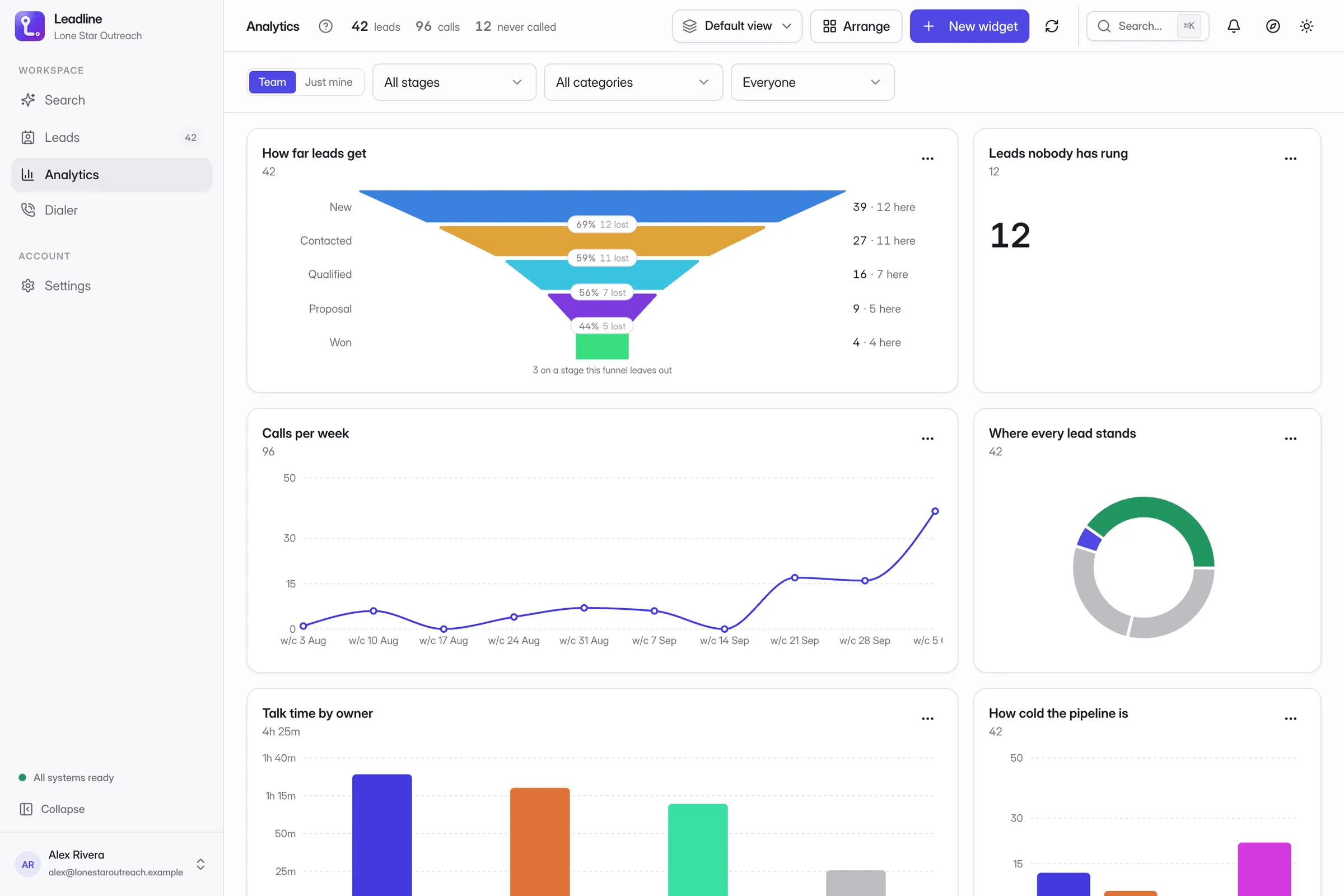
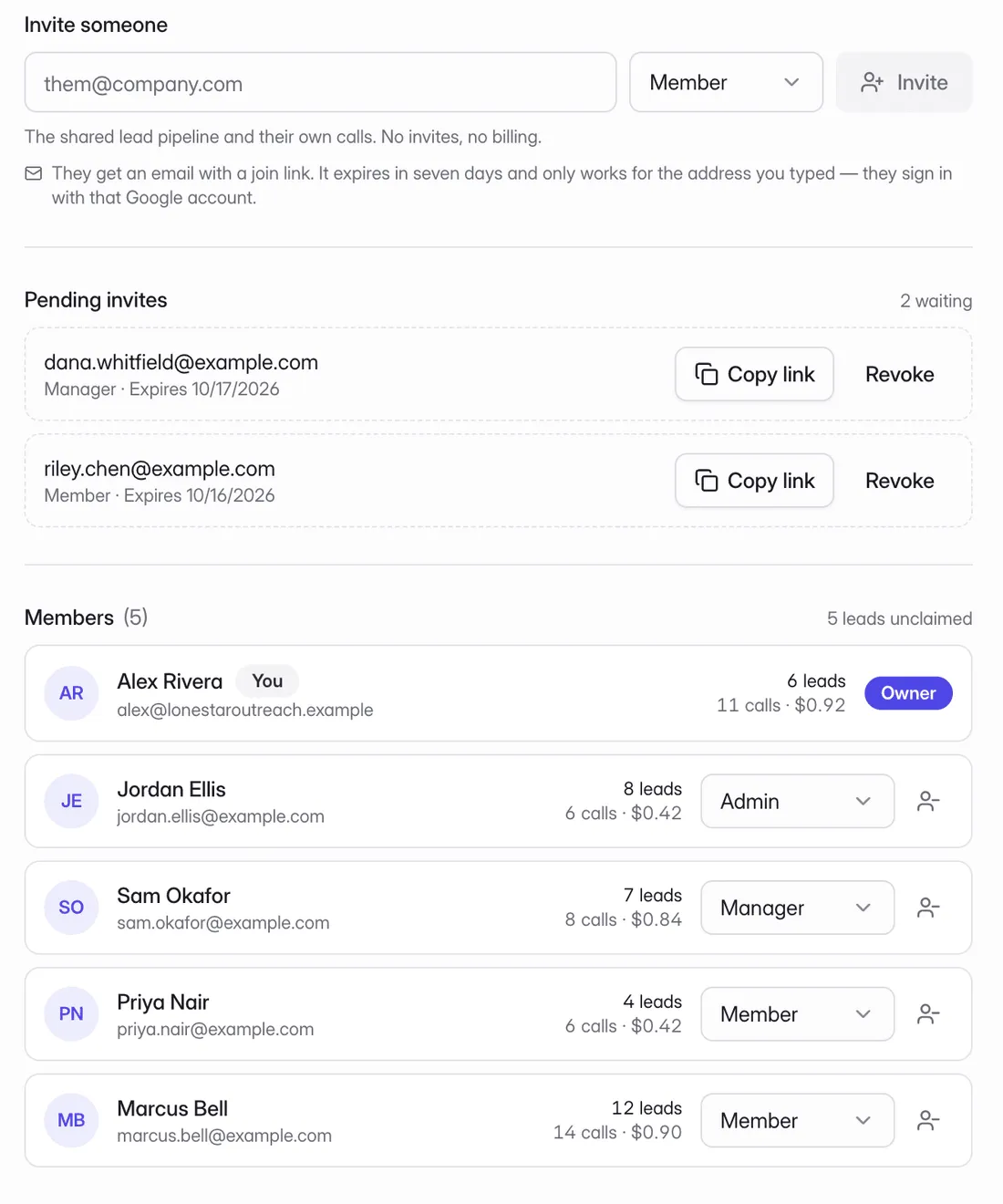
One shared workspace behind the extension. Invite people, give each a role, and decide who owns which lead, while everyone works the same pipeline.
Send a join link with the role already picked. Pending invites sit on the roster until they accept or you revoke them.
Owner, admin, manager and member. Each one does one job, and the owner can hand the team over when it is time.
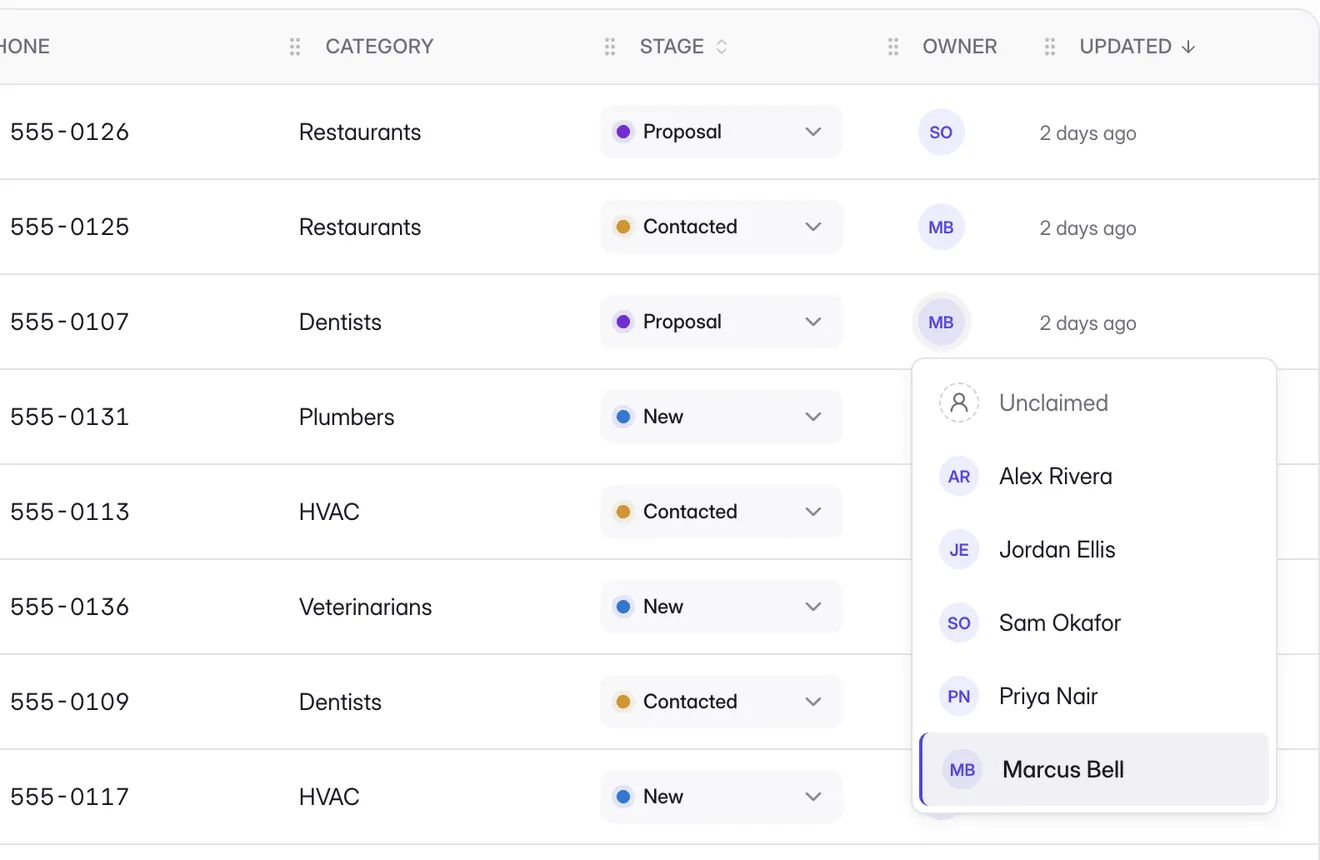
Claim a lead, hand a batch to a teammate in one go, or filter to My leads. Unclaimed leads stay in the shared pool.
Leads, calls and spend for each member this month. Analytics splits by owner, or flips to Just mine.
| Owner | Admin | Manager | Member | |
|---|---|---|---|---|
| Work the shared lead pipeline | ||||
| Call leads and log outcomes | ||||
| Assign leads to teammates | ||||
| Edit any teammate’s lead | — | |||
| Manage categories | — | |||
| Invite, remove and change roles | — | — | ||
| Buy and release phone numbers | — | — | ||
| Manage the plan and call credit | — | — | ||
| Rename the team | — | — | ||
| Delete the team | — | — | — |
See a place on Google Maps? Click Save. It’s in your list instantly — the same list a full harvest fills, deduped.
Crawl the contact page of every business in your list. The address they publish is what lands in your row. Fresh from the source.
Excel, CSV, or NDJSON — one click. The format your team already has a process for. No new workflow to teach.
Save a filter, its columns and its sort as a view. The view is a URL, so a teammate opens exactly what you are looking at.
Agencies, in-house SDR teams and solo operators. Different setups, the same morning routine.
One shared workspace, a role for everyone, an owner on every lead. Tag leads by client with categories, and see calls and spend for each rep.
Target a region, a category, or a website crawl. Drop rows into a pipeline, assign to reps, dial from the queue. The dashboard shows who is connecting and who is dropping off.
Sweep a region over coffee, dial the queue before lunch, file the outcomes, export the winners at noon. Harvesting is free, and a Starter seat includes 250 calling minutes a month.
Harvesting is free and stays in your browser. Pay per person when you start calling.
Harvest as much as you like. Rows stay in your browser; save up to 100 leads to your account.
Call from the browser and work the same leads as a team.
More minutes, and every call written up for you.
Prices in USD. Upgrade, change seats or cancel any time from Settings → Plans in the extension.
| Feature | Free | Starter | Pro |
|---|---|---|---|
| Grid sweep harvest | |||
| Save pill on Google Maps / Search | |||
| Email lookup | |||
| Leads saved to your account | 100 | Unlimited | Unlimited |
| Pipeline stages | |||
| Saved views (shareable URLs) | |||
| Export to Excel / CSV / NDJSON | |||
| People | 1 | Per seat | Per seat |
| Invites & roles (owner / admin / manager / member) | — | ||
| Shared leads across the team | — | ||
| Calling from your browser | — | ||
| Included minutes per seat a month | — | 250 | 500 |
| Local numbers included | — | 1 per seat | 1 per seat |
| Call recordings | — | ||
| Call transcripts | — | — | |
| AI call summaries | — | — | |
| Minutes after the included ones | — | $0.02/min | $0.04/min |
Something else on your mind? Ask a human.
It reads the pages you are already looking at, in your own browser, at the speed you drive it. There is no headless farm and no third-party proxy in the loop.
Rows persist in the browser’s own extension storage, so the extension works with no server at all. Connecting a backend — for team access, call records and dashboards — is opt-in.
Calling needs Starter or Pro, and a local number comes with each seat. Harvesting, the pipeline and exports all work on Free.
Chrome and Chromium-based browsers on Manifest V3. The side panel needs Chrome 114 or newer.
Harvesting keeps working in the browser without limit. Saving more than 100 to your account needs Starter. Nothing you already saved is removed.
Yes, any time from Settings → Plans in the extension. The plan runs to the end of the period you paid for, then the team moves to Free and keeps its saved leads.
Yes, on Starter or Pro, with one seat per person. Invite people by email into a shared workspace and give each one a role: owner, admin, manager or member. Everyone works the same lead pipeline; leads can have an owner, and owners and admins handle invites, numbers and the plan.
Each seat includes minutes every month (250 on Starter, 500 on Pro), pooled across the team. After that it is $0.02 a minute on Starter and $0.04 on Pro, taken from call credit you top up in the app. Extra numbers beyond the included one are $3 to activate and $3 a month.
Install it, sweep one neighbourhood, and count the leads before you have paid for anything.